
 Provider
The DentalMonitoring Process
The DentalMonitoring app can be downloaded on iOS or Android smartphones and is designed to make treatment simple.
At your initial appointment, we capture a 3D digital model of your teeth. As your treatment progresses, you’ll regularly upload photos of your smile through the app, where they’re reviewed with the help of advanced AI.
These updated images are compared to your original scan so we can monitor your progress and confirm that everything is shifting as expected. With DentalMonitoring, you can stay on track from virtually anywhere, and reaching out to our team for help or questions is always quick and convenient.
Leveraging Orthodontic Technology
At Engage Orthodontics, Our team relies on advanced imaging tools, such as detailed X-rays and digital scanners, to provide precise evaluations and ensure patients receive clear diagnoses and prompt, effective care.
Benefits of DentalMonitoring
Listed below are some of the advantages that come with this app:
- Fewer appointments: We can monitor your treatment remotely, so there will be less in office appointments
- Increased efficiency: Since we’ll get frequent photos to scan, we can keep your treatment on track and ensure the best outcome for your smile.
- Constant support: With the DentalMonitoring app, our team is only a click away. You can reach out with questions, and we'll send you regular progress reports.
- Ultimate flexibility: Track your progress anytime and anywhere so treatment can work around your busy schedule.
FAQs About DentalMonitoring
Discover the answers to common questions about DentalMonitoring:
-
How does DentalMonitoring work?
Using the DentalMonitoring app is as simple as taking a selfie!
Once you have downloaded the app to your iOS or Android smartphone, our orthodontist will let you know how often you need to take photos of your smile. We can then use the DentalMonitoring software to compare the photo you sent to your original scans and make sure that your progress matches your treatment plan. If it's going well, we won't need to schedule an appointment!
-
How do I take the pictures of my teeth?
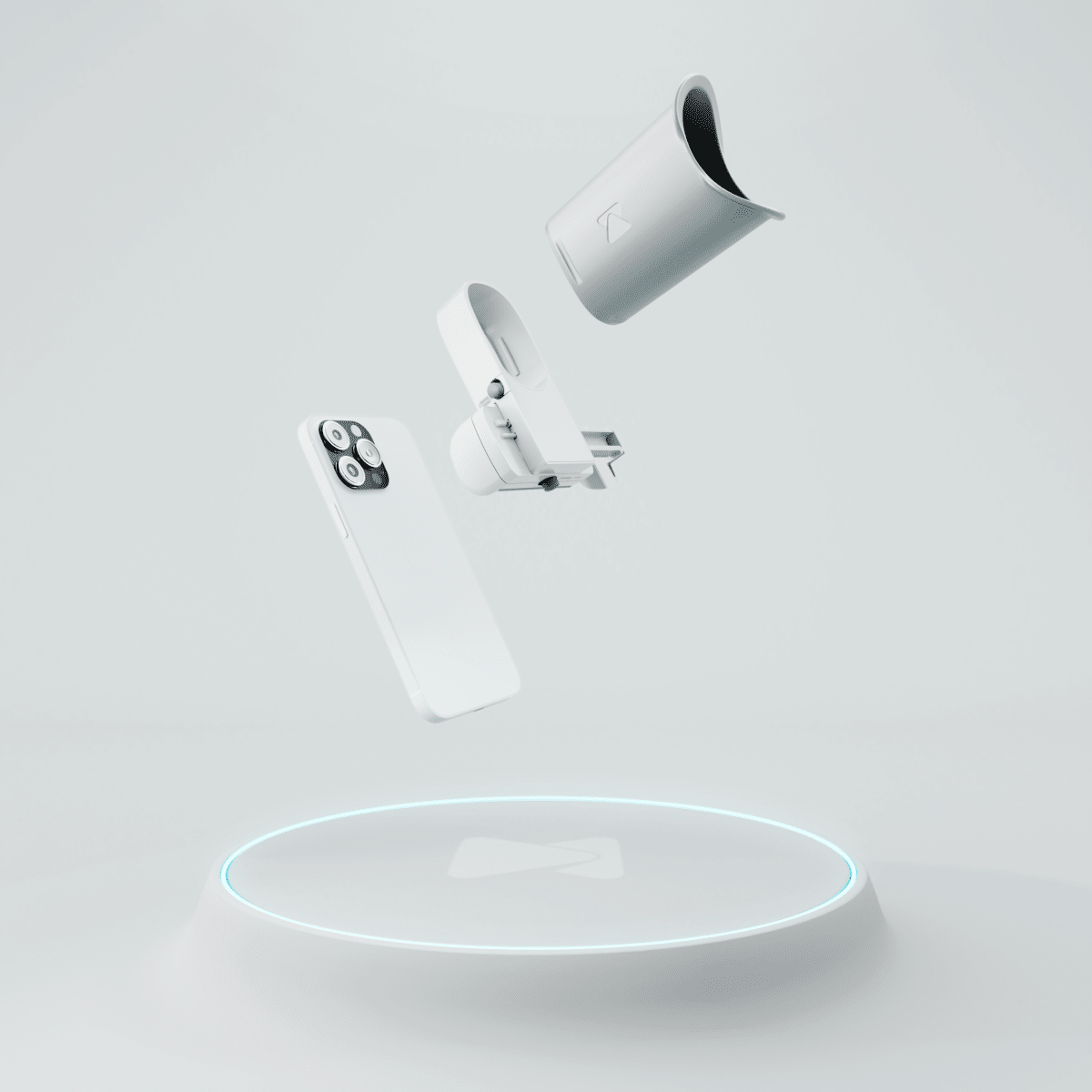
Our office will provide you with a device at the beginning of your treatment to help you take proper pictures of your teeth for the DentalMonitoring app. This device is designed to fit a smartphone, with the back camera facing you. It is also designed to hold your lips out of the way so that the camera can see all of your teeth clearly. Once your phone is in the device, get in front of a mirror so you can see the screen and open the app. The app will guide you through the photo-taking process and tell you if you need to turn your head more or reposition the phone!
-
Who makes the decision to move onto the next aligner?
When you submit your scan, it gets analyzed by the app's AI system first. If any misalignments are detected from your scan, they result in a 'No Go'. A DentalMonitoring coordinator and Dr. Suzy will then review to confirm.
-
How long does it take to receive a 'Go' or 'No Go' message on the DentalMonitoring app after submitting a scan?
It can usually take a few hours to get a response. Depending on the time of day, it can sometimes take longer, but will not exceed half a business day.
-
What do I do if my aligner has a crack in it?
If your aligner is wearable and not uncomfortable with the crack in it, you can continue to wear it. If not, you can move on to the next aligner. Be sure to notify the DentalMonitoring coordinator and Dr. Suzy that you are moving onto your next aligner.
-
If I lost an aligner do I have to scan for the week?
If you lose an aligner, you can move onto your next set. Just make sure to send a direct message to the DentalMonitoring coordinator to have your app information updated. You should also notify Dr. Suzy about the missing aligner to keep him informed.